How to Create a Strong Password (and Remember It)
Creating a strong password is essential for online security, but it also needs to be memorable. Here’s a straightforward guide to get it right.
1. Make It Long and Complex
- Length: Use at least 12 characters. Longer passwords are harder to crack.
- Mix It Up: Combine uppercase letters, lowercase letters, numbers, and symbols (e.g., !, @, #).
- Avoid Predictable Patterns: Don’t use repetitive characters (e.g., aaa) or sequences (e.g., 1234).
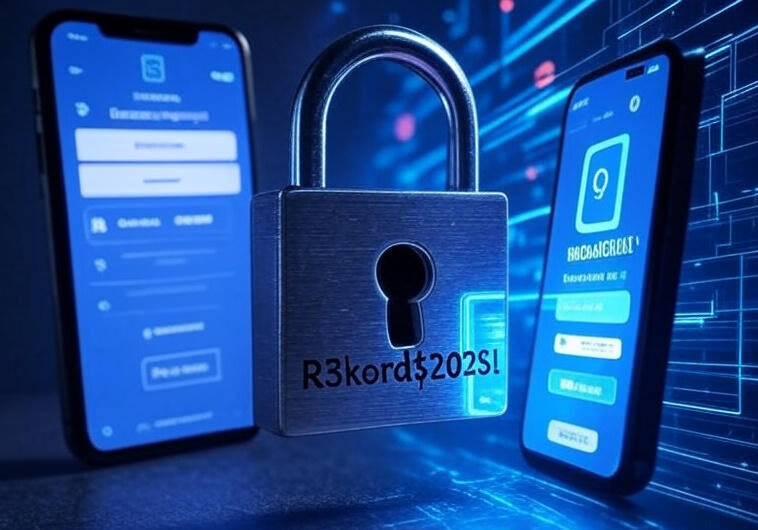
Example: Instead of “password123,” try “R3kord$2025!”
2. Use a Passphrase
- Create a phrase that’s meaningful to you but random to others.
- Take the first letter of each word or mix in numbers and symbols.
Example: “I love hiking in 2025!” becomes “ILhike#2025!”
3. Avoid Personal Information
- Don’t use names, birthdays, or addresses (e.g., “John1990” is weak).
- Hackers can find this info on social media or public records.
4. Make It Unique
- Use a different password for each account.
- Reusing passwords risks multiple accounts being compromised if one is hacked.
5. Use a Memory Trick
- Mnemonic Device: Create a story or phrase that’s easy for you to recall.
- Example: “My dog ate 3 bones!” → “Myd0gAt3B0n3$!”
- Pattern Association: Link the password to the site (e.g., for a bank, use “Cash$Fl0w2025!”).
6. Leverage a Password Manager
- Tools like LastPass, 1Password, or Bitwarden store complex passwords securely.
- You only need to remember one master password.
7. Enable Two-Factor Authentication (2FA)
- Add an extra layer of security with 2FA (e.g., a code sent to your phone).
- Even a strong password can benefit from this.
8. Test and Update Regularly
- Use a password strength checker (e.g., Bitwarden’s tool or online testers).
- Update passwords every 6–12 months or after a data breach.
Quick Tips
- Don’t write passwords down or store them in plain text (e.g., Notes app).
- Avoid sharing passwords, even with trusted people.
- Use password generators for random, strong passwords if needed.
By combining length, complexity, and a memory trick—or a password manager—you can create strong passwords that are tough to crack but easy to remember. Stay safe online!